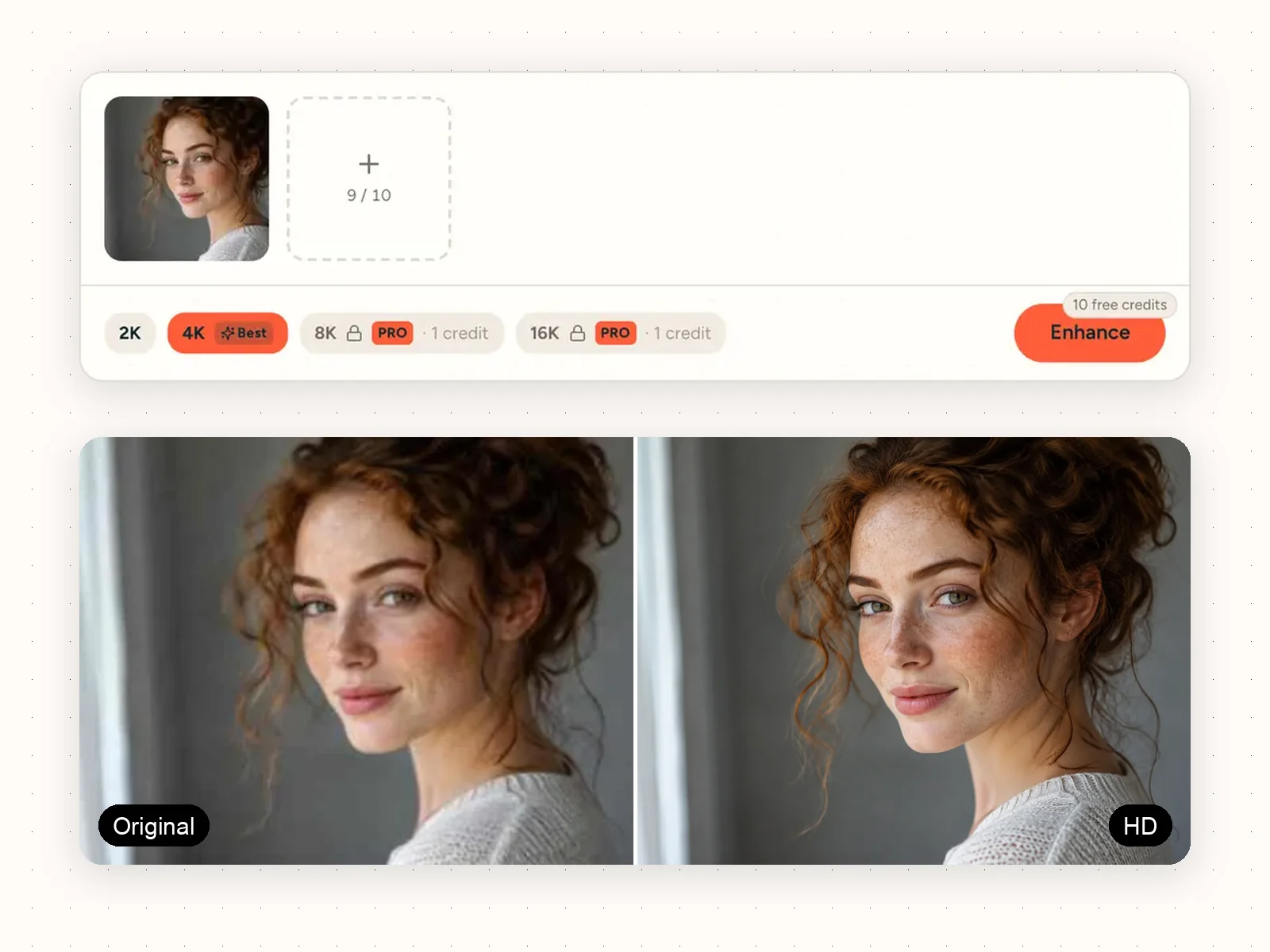
Blurry, small or low-quality photo? Unblur it and get a clear HD version in seconds. Works with any JPG or photo from your phone or the web. Free to start.
Up to 16KAny photo formatFree credits monthly
Add up to 10 imagesDrop multiple images here or click to browse (max 10 images)PNGJPGWEBPHEICMax 50MB
10 free credits
What the HD image converter fixes
Most photos are fine, they are just too small or too blurry for what you want to do with them. These are the three things people use it for most.
Blurry JPGs become clear
Screenshots, JPGs sent over chat and pictures saved from the web often look soft and blocky. Unblur them here and they come out crisp, as if they were taken that way. No settings to learn: upload, pick a size, done.
Small photos become big
Turn a tiny thumbnail into a photo big enough to print, put on a website banner or upload to a shop that needs large images. You choose the size, we handle the rest.
Nothing gets lost
Your photo only gets better. Faces stay natural, colours stay true, and a clean photo keeps the look you already like.
Sizes
2K · 4K · 8K · 16K
Works with
JPG, PNG, WebP, HEIC
Max file
50MB
Cost
1 credit per photo
See what the HD image converter does to real photos
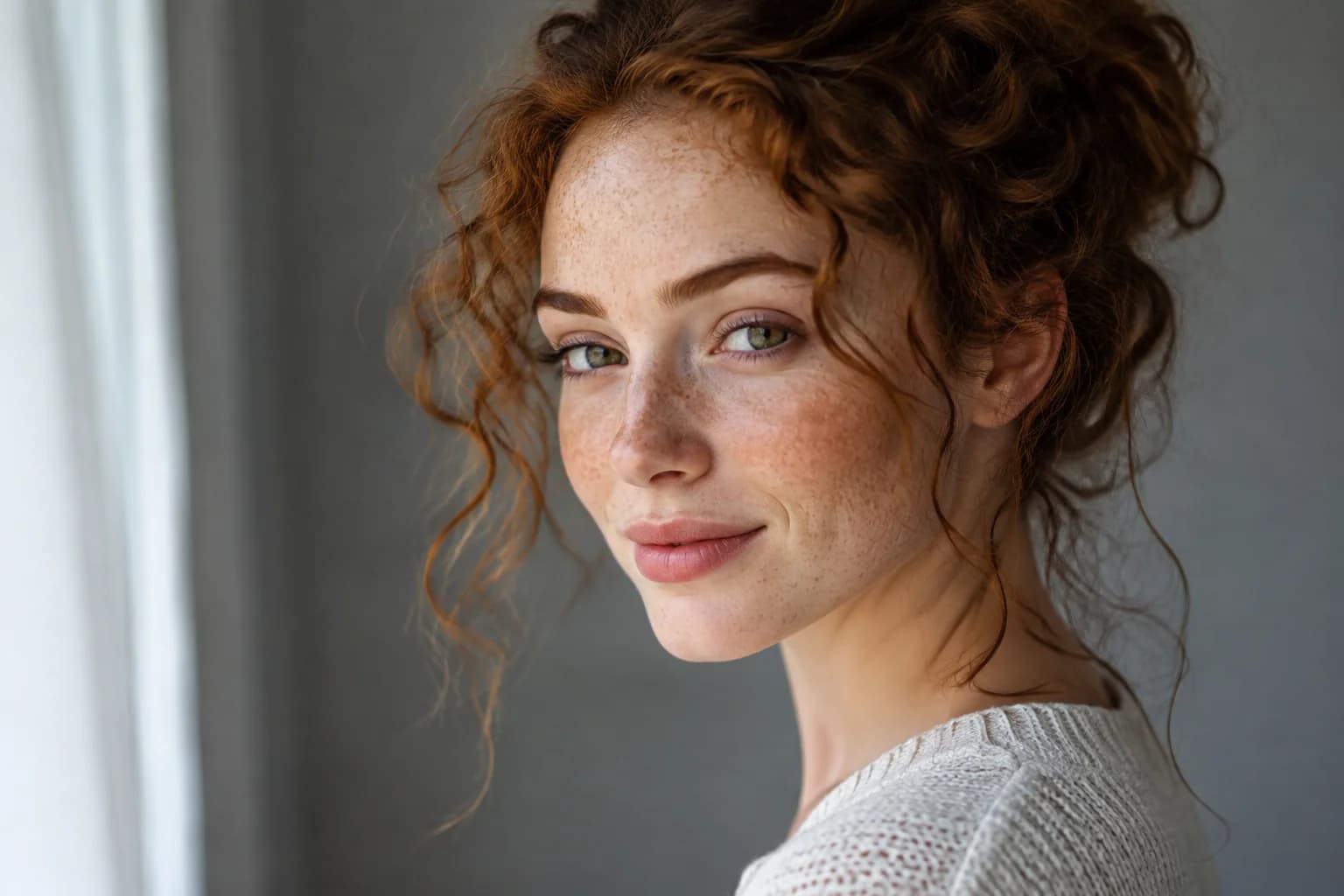
PORTRAIT · ORIGINAL → HD
Make a profile photo HD
A profile photo cropped from a group shot or saved from an old page always looks a bit off. Run it through and skin, hair and eyes look natural and sharp again. Good enough for LinkedIn, and good enough to print and frame.
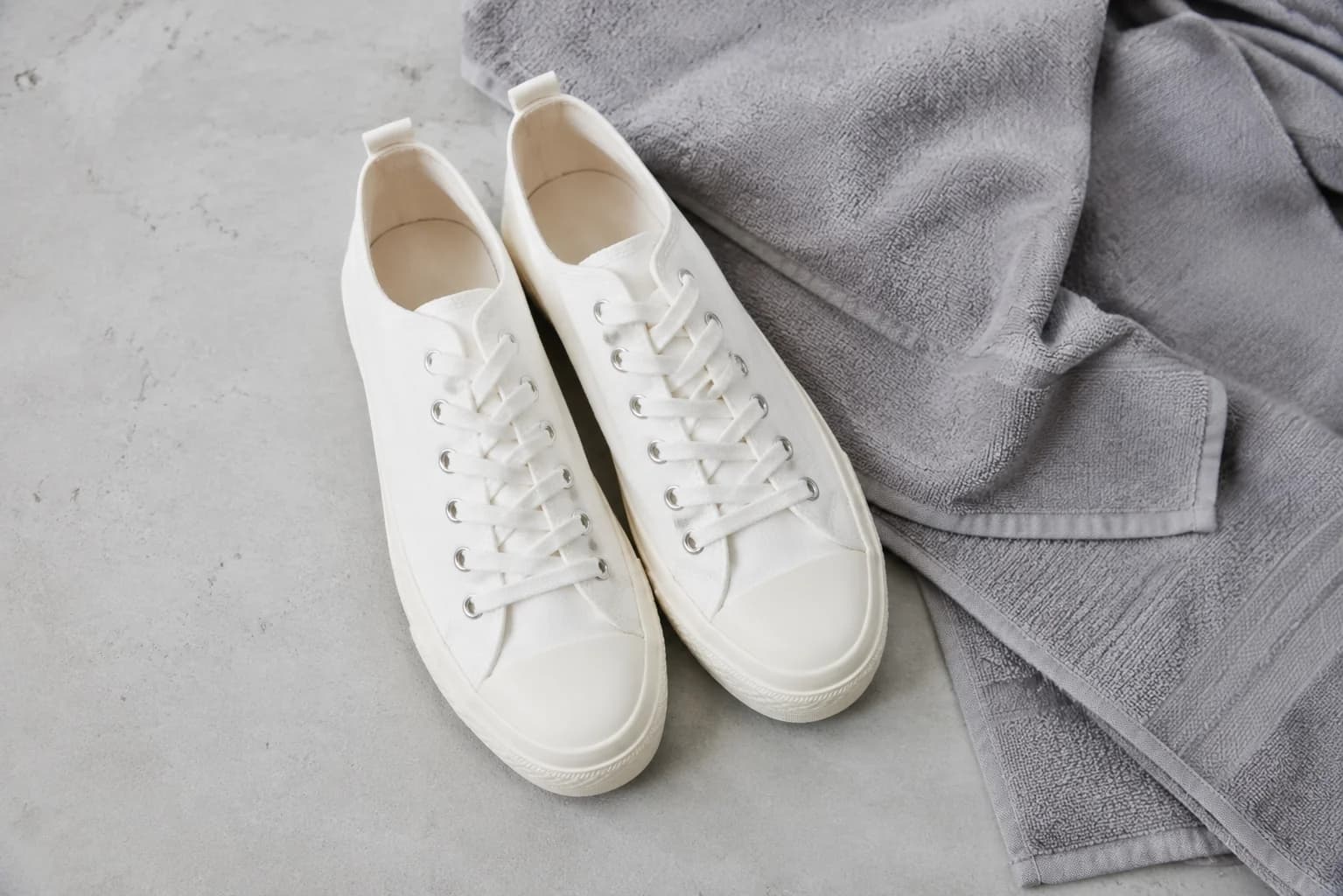
PRODUCT · ORIGINAL → HD
Make a product photo HD for your shop
Online shops reject small photos, and suppliers keep sending small photos. Instead of asking for a new shoot, make the one you have HD. Every stitch and thread stays clear when a buyer zooms in. Shoppers trust photos they can zoom into.
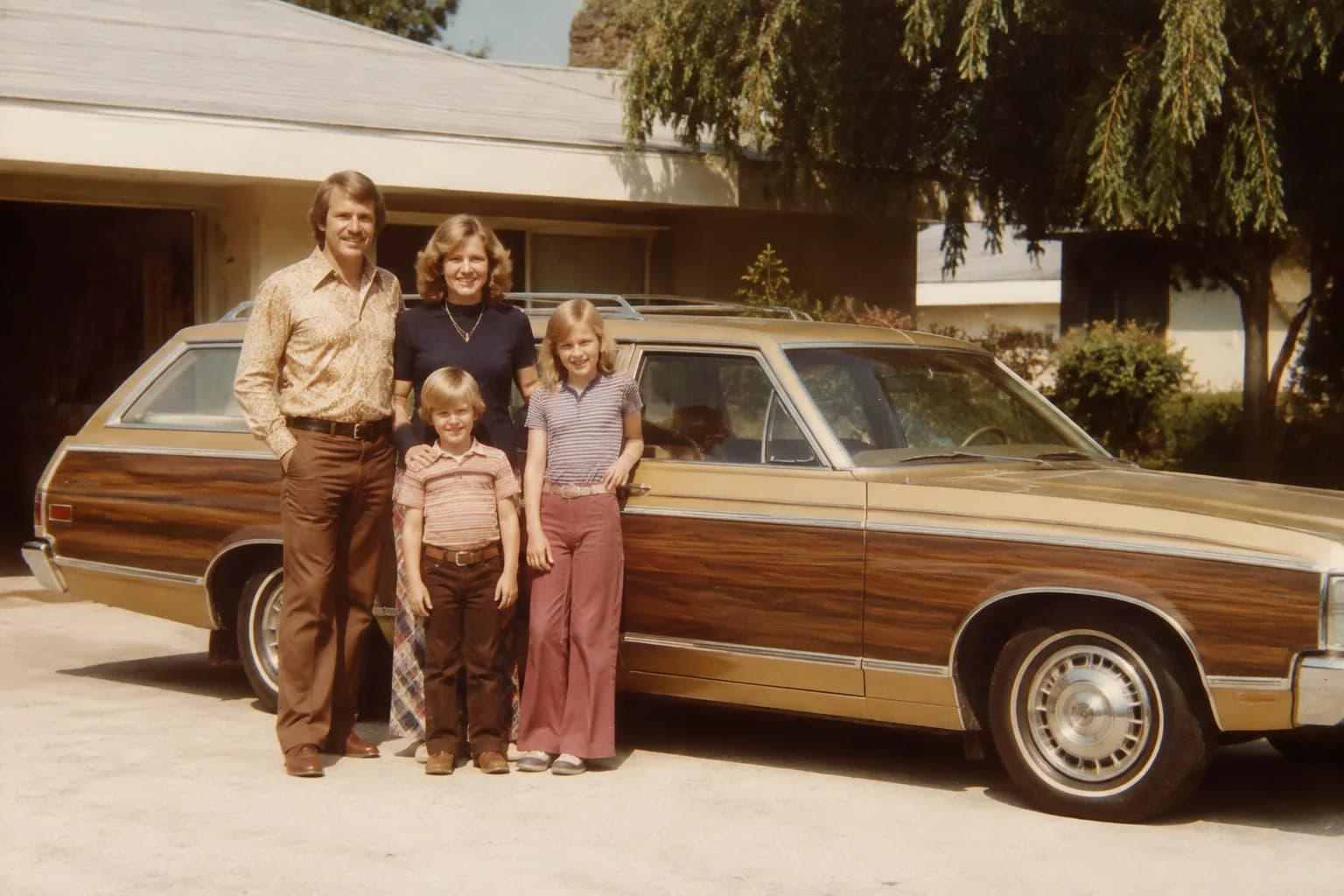
OLD PHOTO · ORIGINAL → HD
Bring an old photo back to life
Scanned prints come out faded, grainy and a little soft. The HD image converter brings back faces, clothes and details so a photo from the 70s looks good on a big screen or on the wall, without losing the feel of the original.
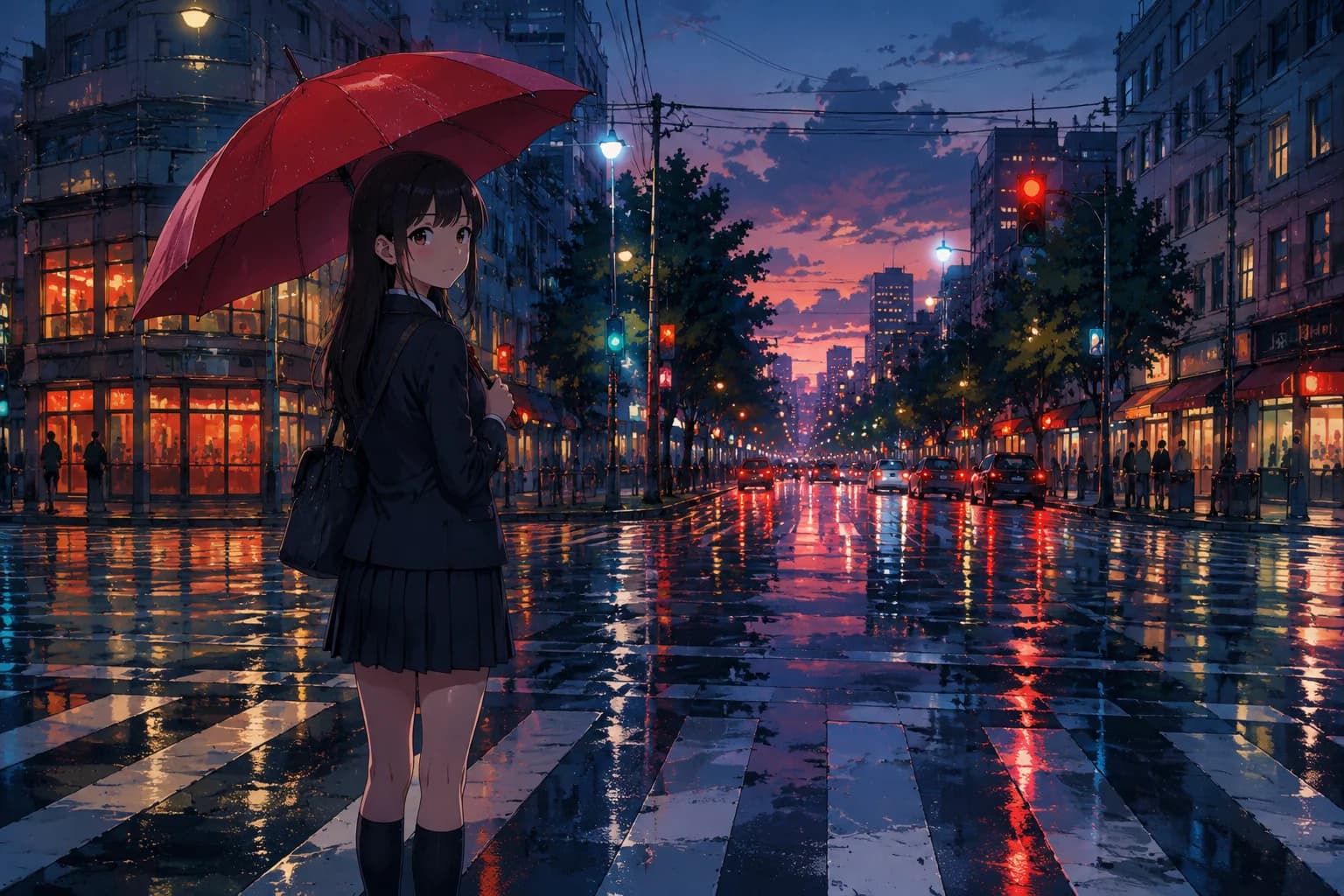
ILLUSTRATION · ORIGINAL → HD
Make anime and drawings HD
Drawings usually suffer most when enlarged: lines double up and colours smudge. Here lines stay clean and colours stay flat, so a small drawing works as a wallpaper or a print. That is what artists want from an HD image converter.
How the HD image converter works
Five simple steps. Under a minute, nothing to install.
Blurry, small or low-quality photo? Unblur it and get a clear HD version in seconds. Works with any JPG or photo from your phone or the web. Free to start.