Object Remover

Object Remover: Erase Anything from a Photo in One Sentence

Upload a photo, type what should disappear, and get the same picture without it. JPG, PNG or WebP up to 10MB, ready in about a minute.

No brush or maskPeople, boats, clutterUp to 4K download
0 / 2,000
Image
1
10 free credits

Popular models

Get inspired

Click any picture to use its prompt

What the object remover takes out of your photos

Most photos are almost right. One stranger, one boat or one sticky note spoils them. These are the three jobs people bring to an object remover most often.

Remove people from a photo

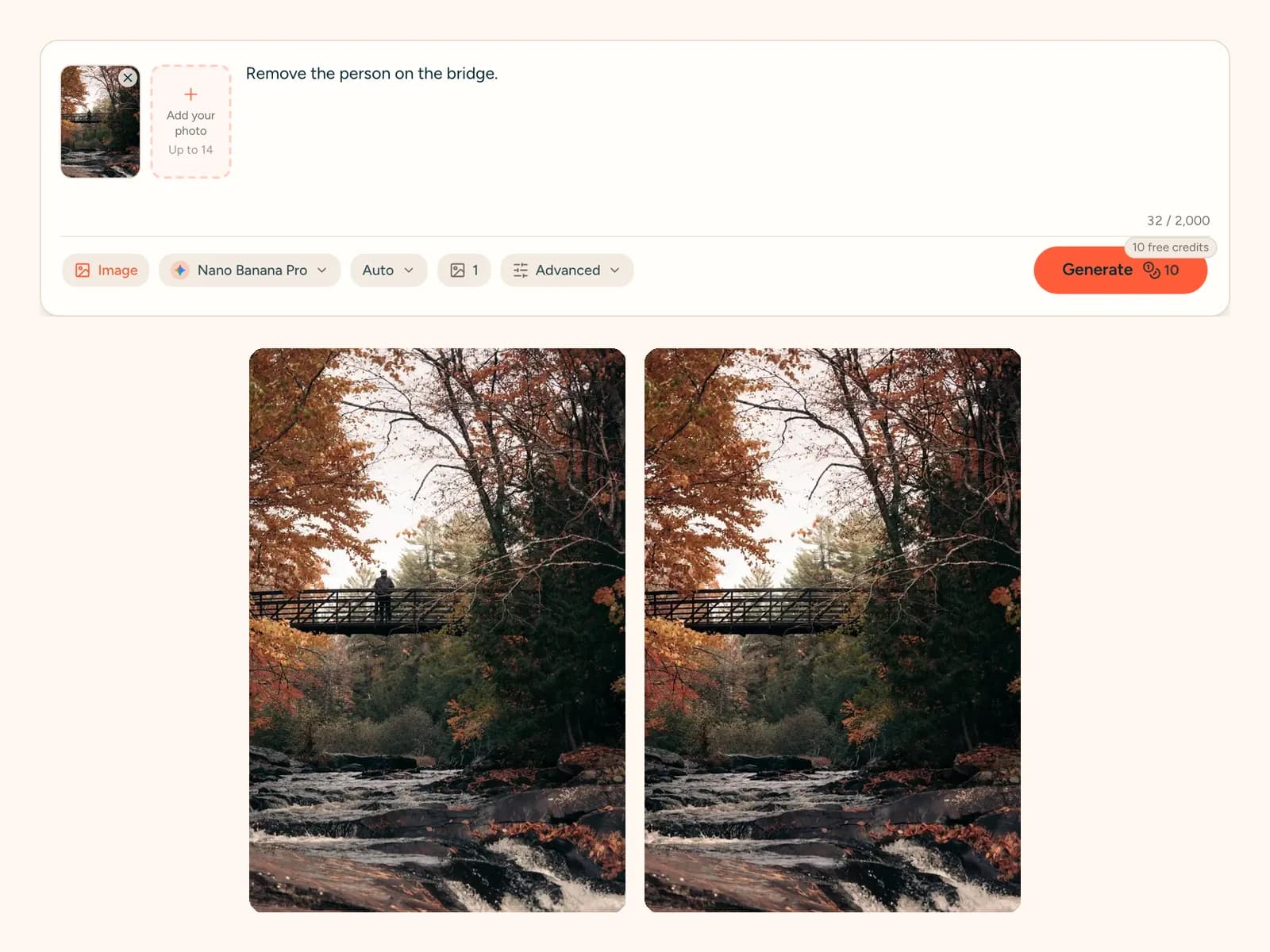
Tourists walking through your shot, a photobomber behind your friends, a stranger on a bridge. Name them and the object remover fills the space with what should be behind them.

Remove an object from an image without a brush

You do not paint over anything. Write "remove the white boat" or "remove the leftmost duck" and the photo eraser finds it for you, even when it is small or partly hidden.

Clean up travel, home and product photos

Clear a crowded landmark, tidy a desk before you post it, or take a cable out of a product shot. The rest of the picture keeps its light, colour and detail.

Cost
10 credits per edit (4K: 18)
Time
About a minute
Upload
JPG, PNG, WebP up to 10MB
Download size
1K · 2K · 4K

Real photos before and after the object remover

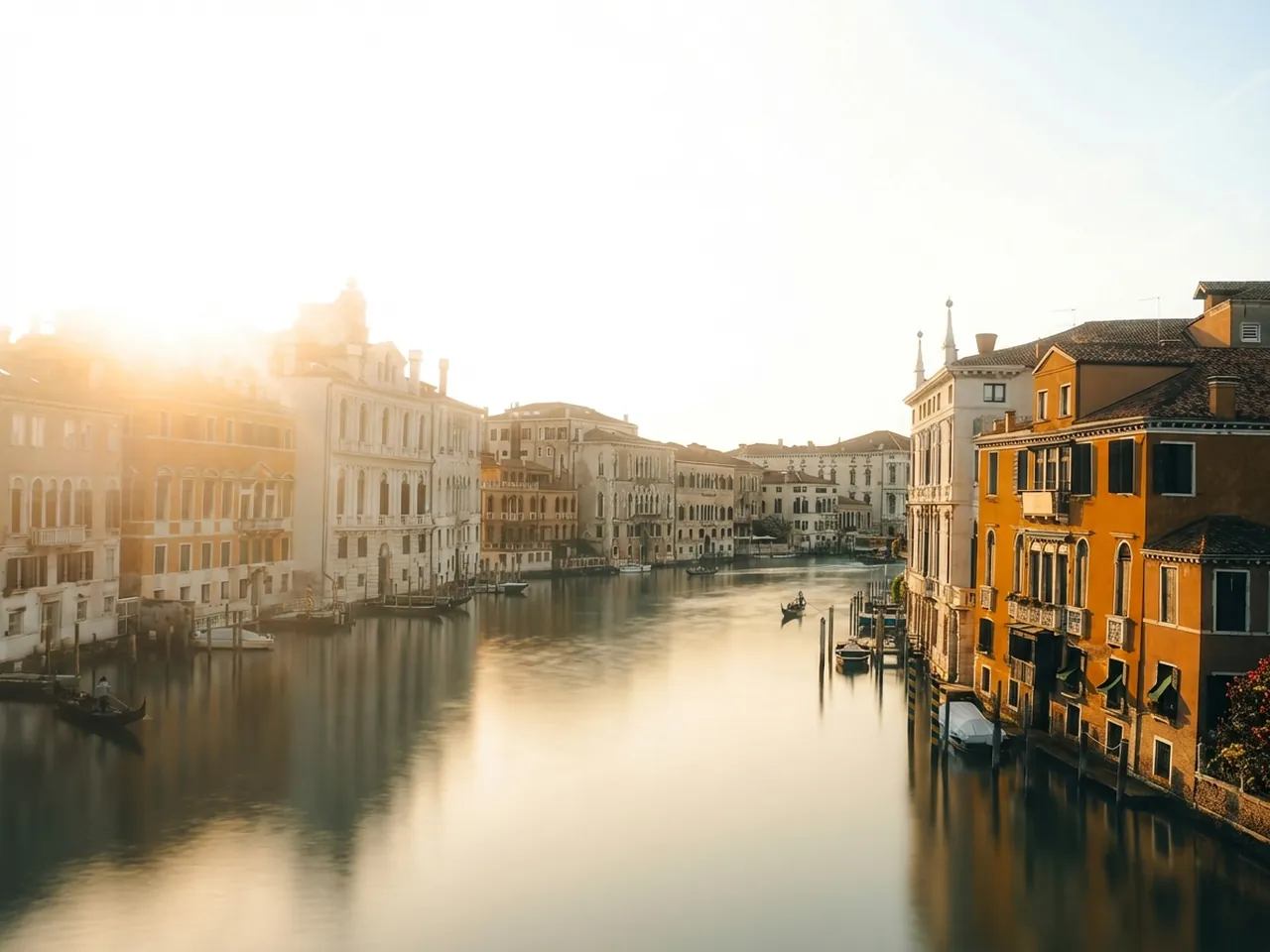
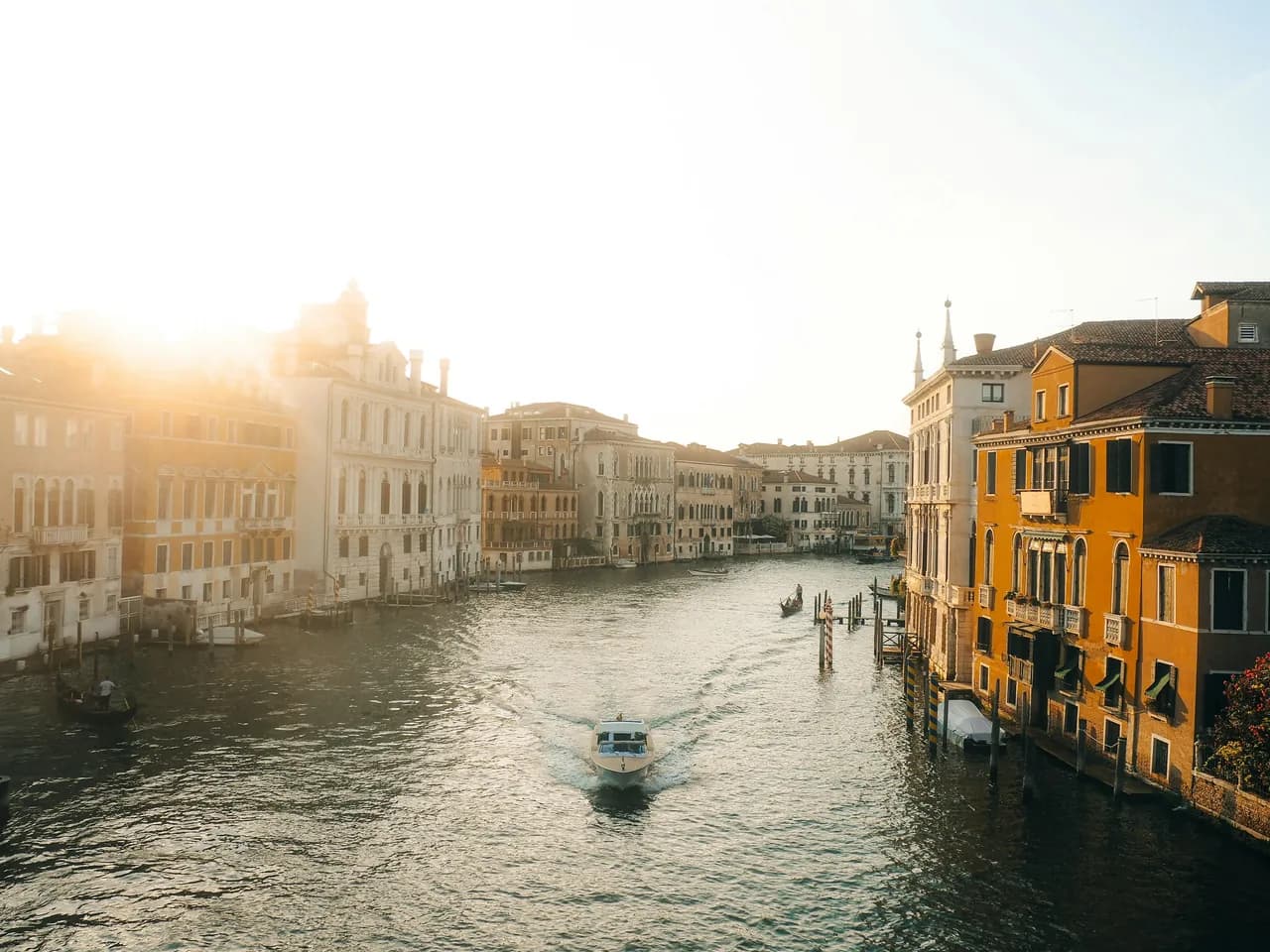
Venice canal with old buildings and a white speedboat on the water, shown with the speedboat on one side and with the speedboat removed on the other (After)
Venice canal with old buildings and a white speedboat on the water, shown with the speedboat on one side and with the speedboat removed on the other (Before)

TRAVEL · BEFORE → AFTER

Remove boats from travel photos

A white speedboat cut straight across this view of a Venice canal. The instruction was one line: "Remove the white speedboat." The water closes up behind it, the reflections keep their shape and the old buildings look exactly as they did. No retouching skills, just a sentence.

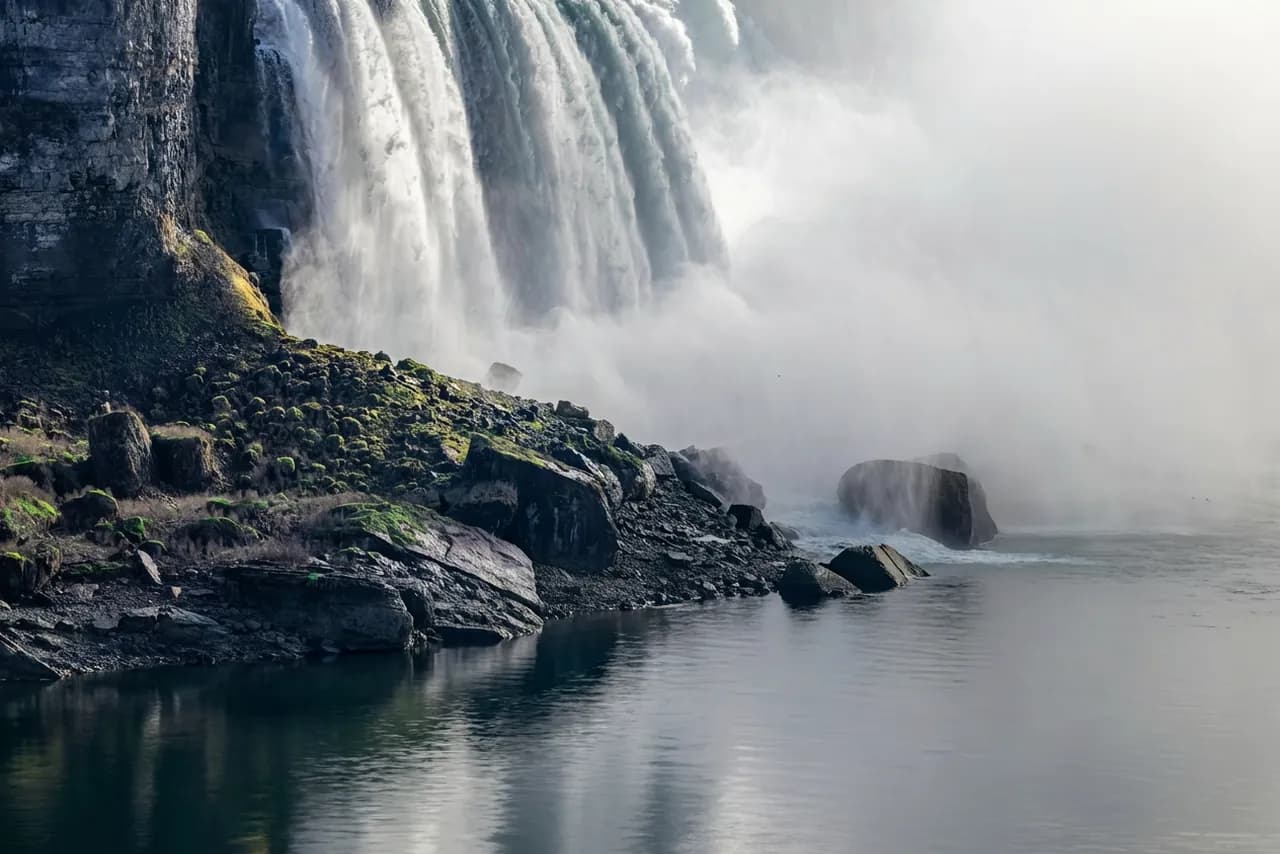
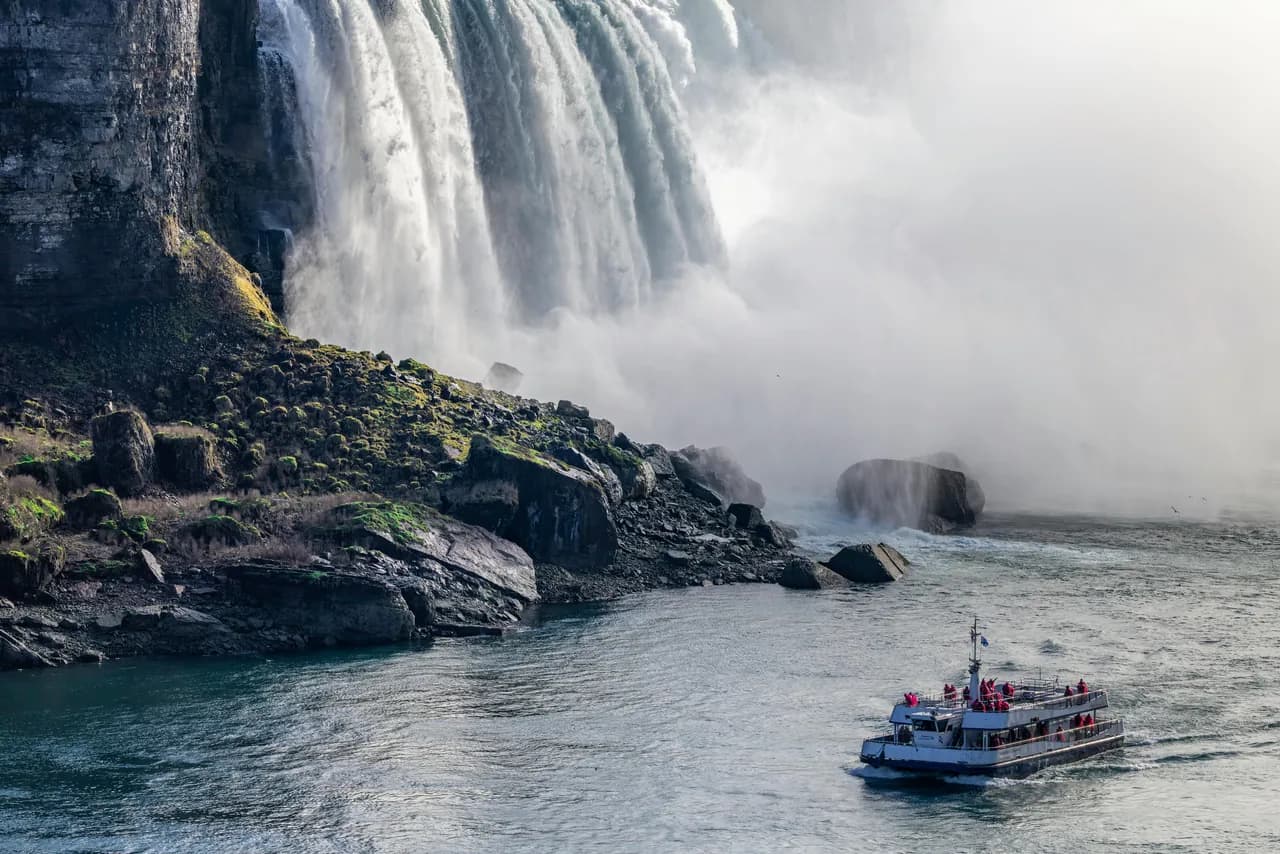
Niagara Falls with a cruise ship and its wake on the river, compared with the same view after the ship and the waves were removed (After)
Niagara Falls with a cruise ship and its wake on the river, compared with the same view after the ship and the waves were removed (Before)

LANDMARK · BEFORE → AFTER

Remove a tour boat from a landmark photo

Big sights are rarely empty. Here the object remover was asked to "remove the cruise ship and the waves it's causing from the river surface." Both are gone: the boat and its white wake. The river below the falls now looks calm and natural, the way you remember the view.

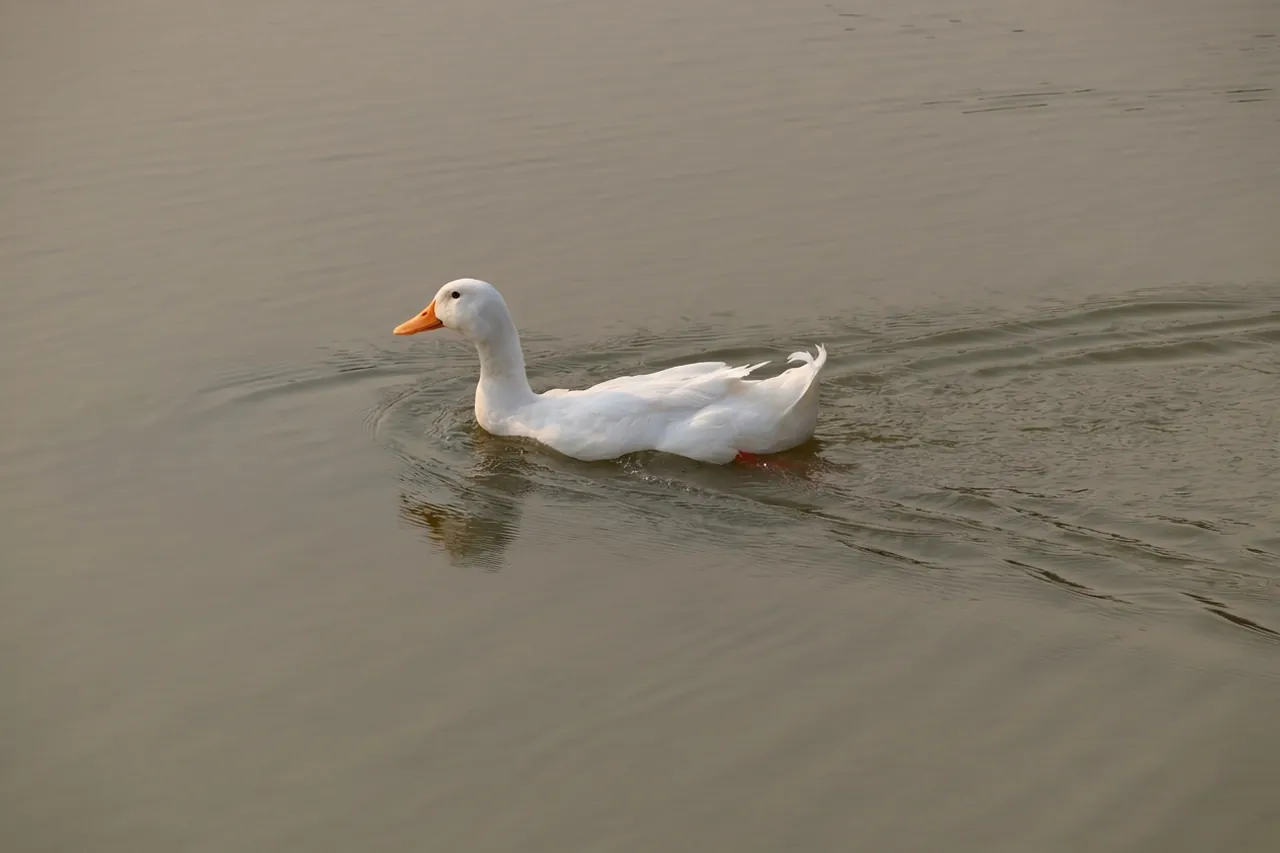
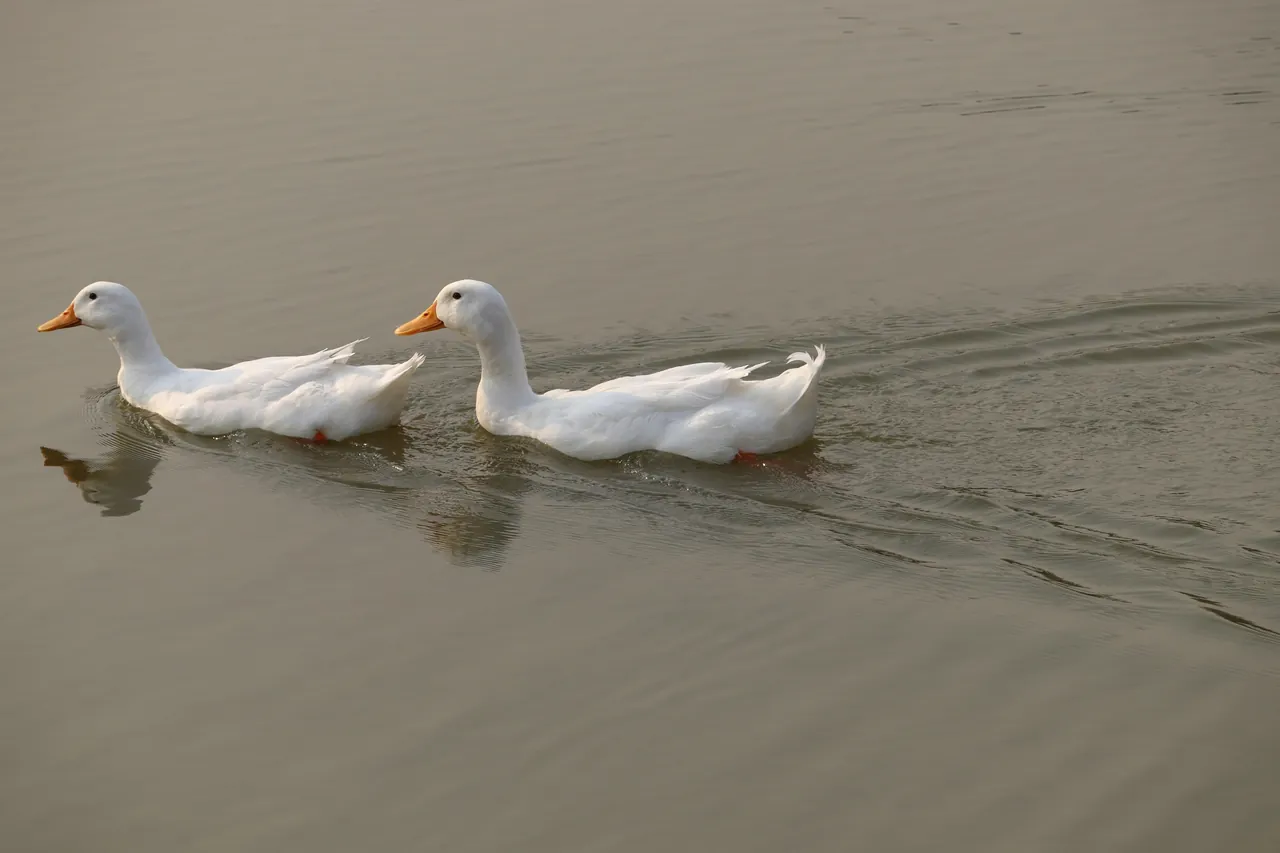
Several ducks on the water, shown before and after the leftmost duck was removed while the other ducks stay in place (After)
Several ducks on the water, shown before and after the leftmost duck was removed while the other ducks stay in place (Before)

NATURE · BEFORE → AFTER

Remove one animal from a group shot

Sometimes you only want one thing gone, not everything that looks like it. The instruction "Remove the leftmost duck" takes out that single bird and leaves the others where they were. Words like leftmost, behind or in the window tell the object remover exactly which one you mean.

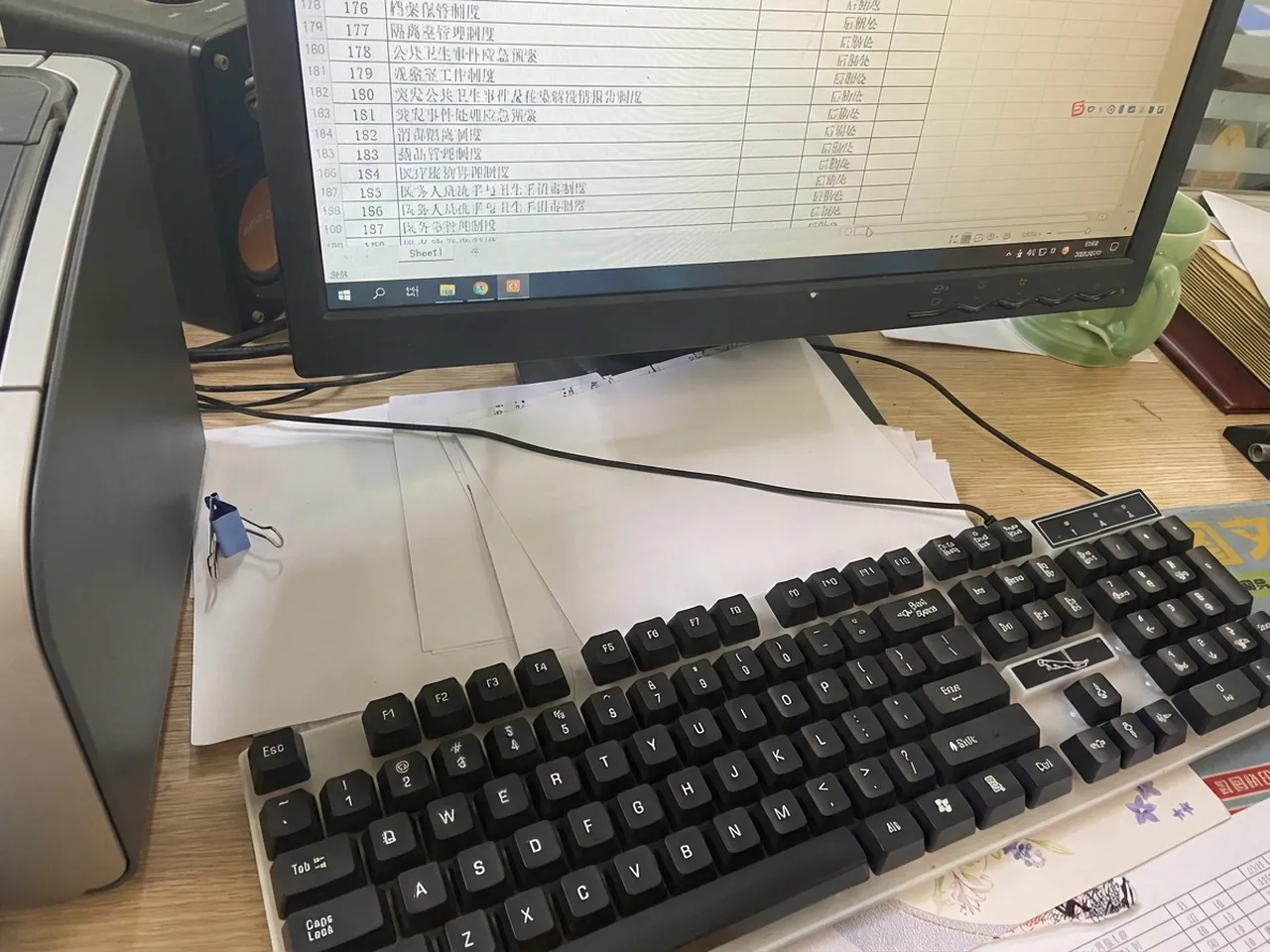
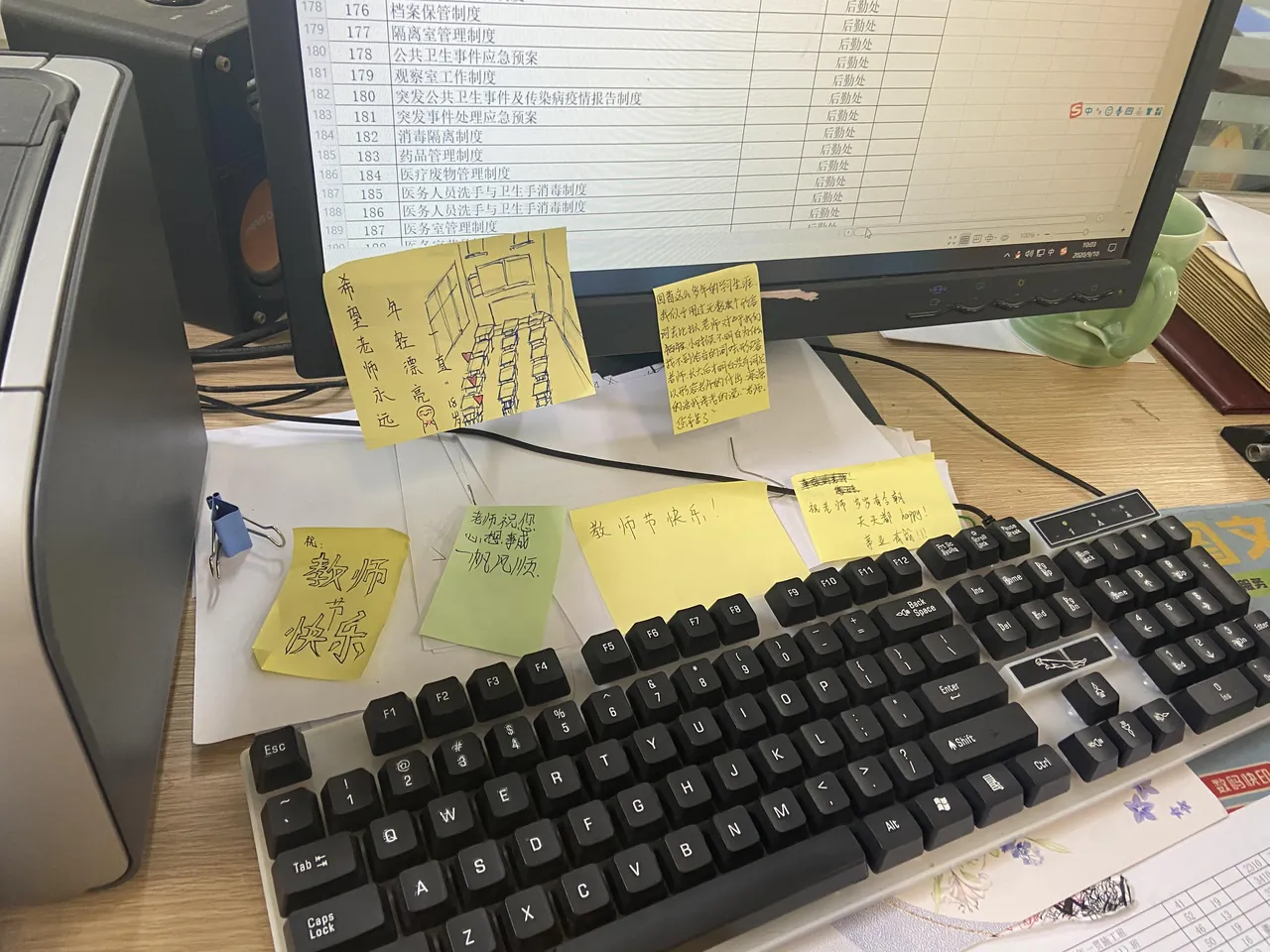
Computer monitor on a desk with sticky notes stuck to the frame, compared with the same monitor after the sticky notes were removed (After)
Computer monitor on a desk with sticky notes stuck to the frame, compared with the same monitor after the sticky notes were removed (Before)

HOME OFFICE · BEFORE → AFTER

Remove clutter from a desk photo

Sticky notes on a monitor are fine at work and messy in a photo. "Please remove the sticky notes from the monitor" was enough to clear the screen frame. Use it on desk setups, rooms you want to rent out or anything you post where small clutter pulls the eye away.

The object remover with a Venice canal photo loaded and the instruction to remove the white speedboat, above the original and edited versions of the same photo

How to use the object remover

Five short steps. Nothing to install and nothing to paint.

Other photo tools that pair with the object remover

One plan for upscaling and AI generation

Every plan upscales to 8K & 16K. Paid plans add far more credits and every image and video model.

Starter

$16.58/month
Billed $199 annuallySave 2 months
Unlimited image upscaling, free for 1 month (web + Canva app)Your credits go to AI image & video generation instead.
7,200 credits for the year, granted upfront
  • Every image & video model, full video renders
  • Use credits anytime — no monthly cap
  • Email support
Most Popular

Professional

$33.25/month
Billed $399 annuallySave 2 months
Unlimited image upscaling, free for 3 months (web + Canva app)Your credits go to AI image & video generation instead.
21,600 credits for the year, granted upfront
  • Every image & video model, full video renders
  • Use credits anytime — no monthly cap
  • Priority support

Premium

$58.25/month
Billed $699 annuallySave 2 months
Unlimited image upscaling, free for 6 months (web + Canva app)Your credits go to AI image & video generation instead.
43,200 credits for the year, granted upfront
  • Every image & video model, full video renders
  • Use credits anytime — no monthly cap
  • Priority support
Cancel anytimeSecure checkout via Stripe or PayPalCredit packs never expire

View full pricing and credit packs →

Object remover: questions people ask

Object Remover: Erase Anything from a Photo in One Sentence

Upload a photo, type what should disappear, and get the same picture without it. JPG, PNG or WebP up to 10MB, ready in about a minute.