
Resize Image Online Free: by Pixels, Percent or KB
Get the exact size a website, form or social post asks for. Set width and height, a percentage or a target like 50 KB, then save as JPG, PNG or WebP.
Free, no sign-up. Your image never leaves your browser.
Three ways to resize image files with the image resizer
Every upload box has its own rule: a fixed size in pixels, a maximum file size, or just smaller please. Pick the rule you were given, type the number, and download. One image at a time, all in your browser, so even a slow connection or a private photo is no problem.
Resize image to exact width and height
Type the width or the height and the other side follows, so the photo never looks squashed. Unlock it when you need a fixed box, or tap a common size like 1080 × 1080.
Resize image in KB for forms and uploads
Job portals, exam forms and visa sites often want a photo under 20 KB, 50 KB or 100 KB. Type the limit and get a file that fits, saved as JPG or WebP.
Shrink a photo by percentage
Not sure of the numbers? Scale to 25%, 50% or 75% and the whole picture shrinks evenly. A 50% photo is a quarter of the area and usually far fewer KB.
- Common sizes
- 1080 × 1080 Instagram square · 1920 × 1080 YouTube / HD · 1080 × 1920 Stories · 1200 × 630 link preview
- Target file size
- 20 KB · 50 KB · 100 KB · 200 KB, or type any number up to 20 MB
- Works with
- Open JPG, PNG, WebP, GIF, BMP and AVIF up to 50 MB; save as JPG, PNG or WebP
- Cost
- Free to use, no sign-up, no credits, and nothing is ever uploaded
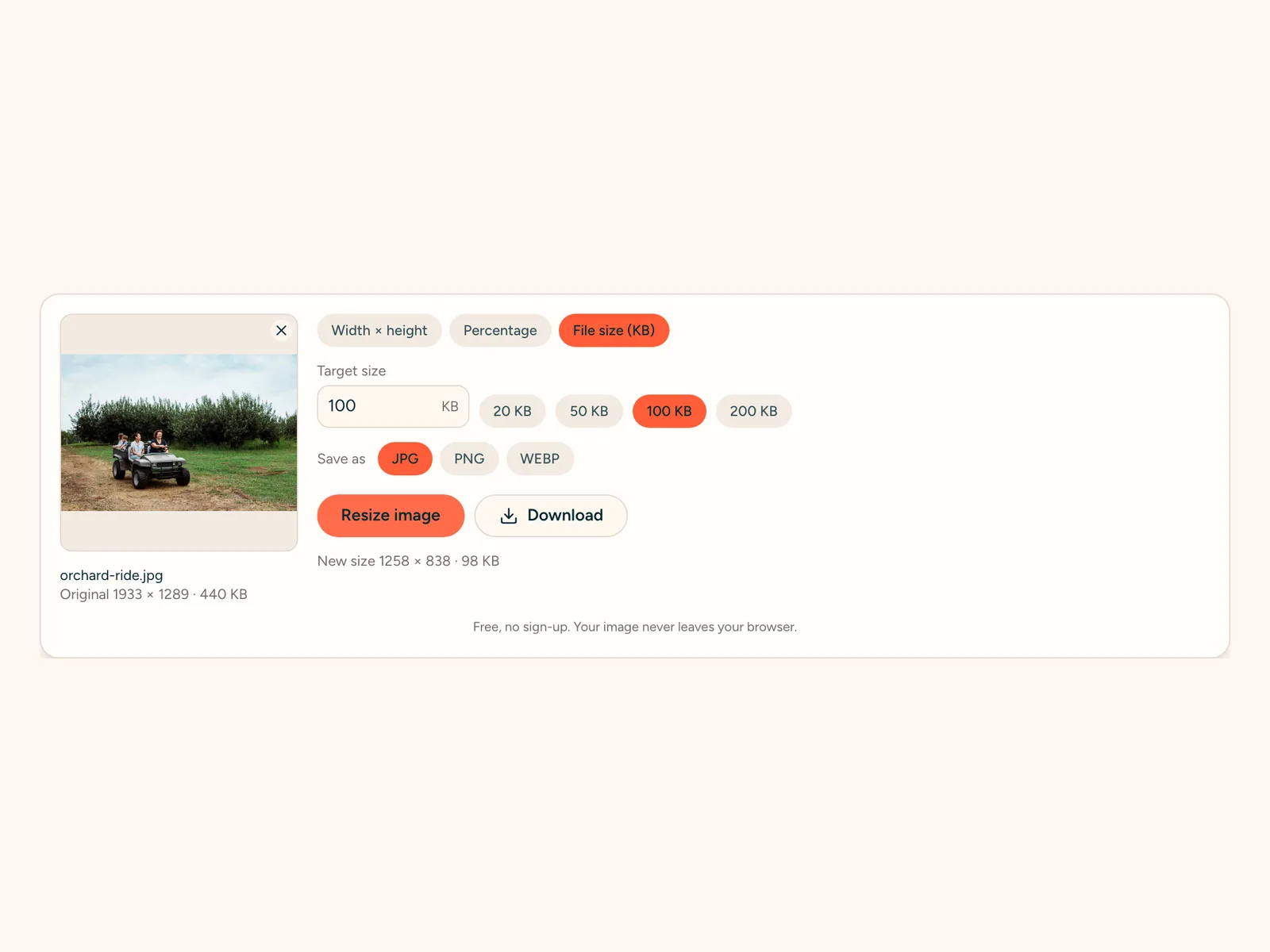
How to resize image files in your browser
Six short steps, usually under a minute. Nothing to install and no account needed to resize image files here.
Other tools for your photos
One plan for upscaling and AI generation
Every plan upscales to 8K & 16K. Paid plans add far more credits and every image and video model.
Starter
- Every image & video model, full video renders
- Use credits anytime — no monthly cap
- Email support
Professional
- Every image & video model, full video renders
- Use credits anytime — no monthly cap
- Priority support
Premium
- Every image & video model, full video renders
- Use credits anytime — no monthly cap
- Priority support
Resize image online: common questions
Resize Image Online Free: by Pixels, Percent or KB
Get the exact size a website, form or social post asks for. Set width and height, a percentage or a target like 50 KB, then save as JPG, PNG or WebP.