Sharpen Image Online: Make Blurry Photos Clear and Crisp
Soft, out-of-focus or small photo? Sharpen image details while enlarging from 2x to 16x up to 16K in seconds. Works with JPG, PNG, WebP and HEIC, with 10 free credits every month.
2K to 16K outputUp to 10 photos at once10 free credits monthly
Add up to 10 imagesDrop multiple images here or click to browse (max 10 images)PNGJPGWEBPHEICMax 50MB
10 free credits
Free account: 10 images every 30 days · sign in required · no watermark · 2K–16K
When you need to sharpen image details
A good photo often looks soft because it was saved at a small size, sent over chat, or taken in dim light. Here are the three ways people use this tool every day.
Unblur soft JPGs and chat photos
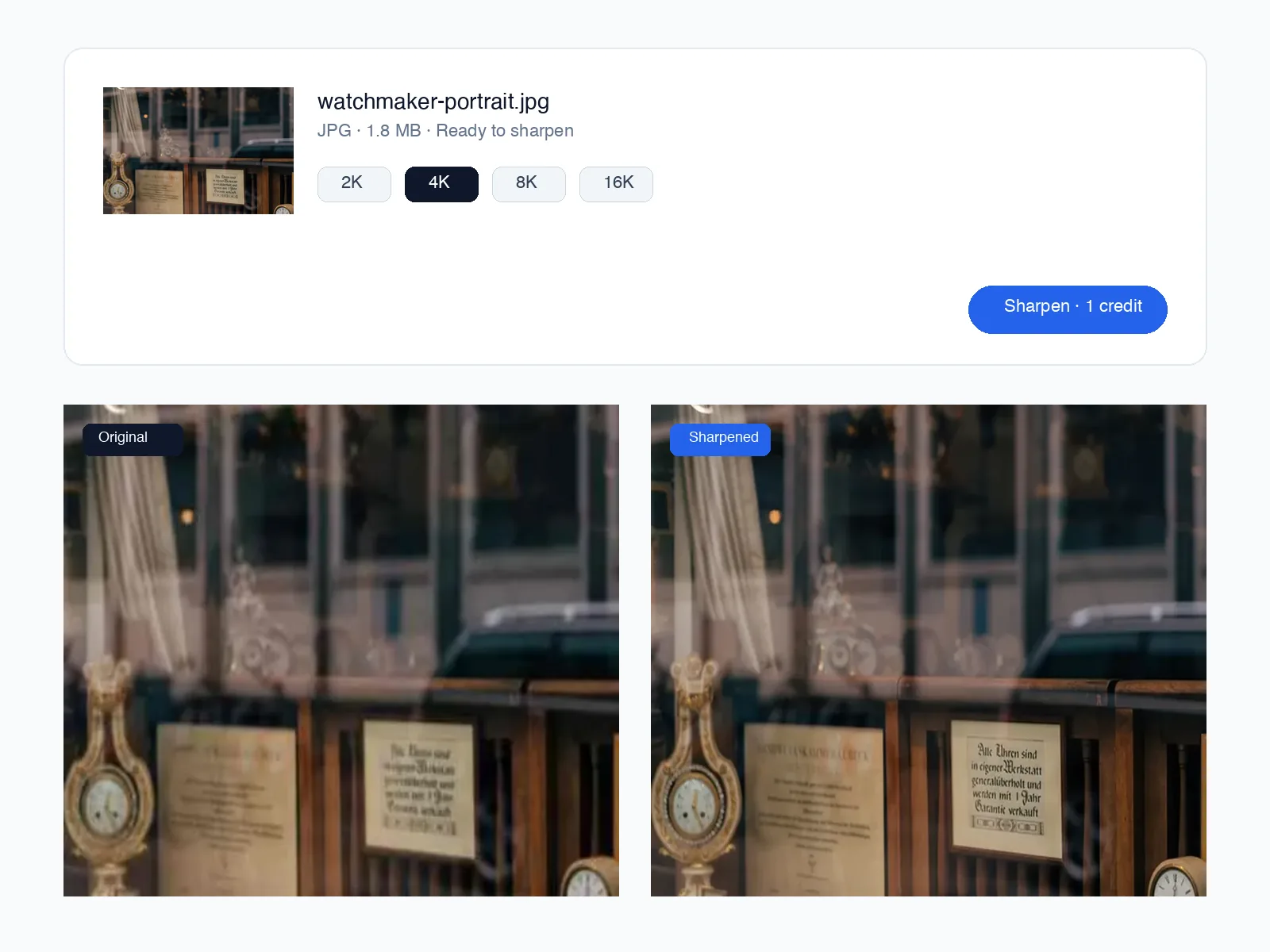
Pictures sent through messaging apps or saved from social feeds lose their edge and look fuzzy. You can sharpen image edges and fine textures while scaling up to 2K or 4K so faces and lettering look clean again.
Enlarge small pictures for print and shops
Instead of stretching a small file until it looks blurry, sharpen image quality by enlarging it 2x, 4x, 8x or 16x. A tiny web photo becomes large and clear enough for store listings, banners or framed prints.
Keep natural skin, colour and clean lines
Old-school sharpening sliders add harsh white outlines and grainy noise. When you sharpen a photo here, faces stay natural, flat colours stay smooth, and fine edges come out crisp without fake outlines.
Output sizes
2K · 4K · 8K · 16K
Formats
JPG, PNG, WebP, HEIC
Max file size
50MB per photo
Price
1 credit per photo
See how we sharpen image details on real photos
PORTRAIT · ORIGINAL → HD
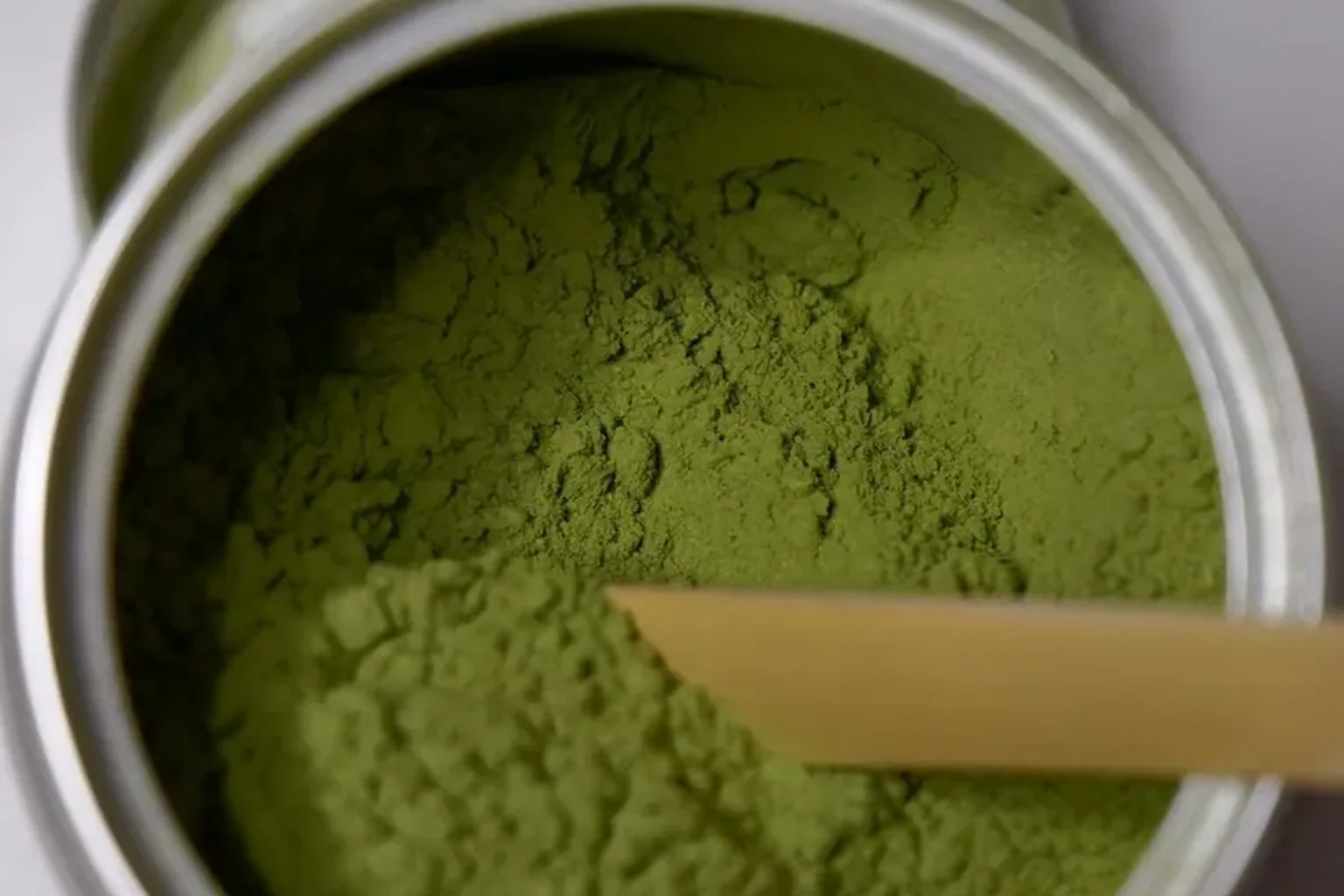
Sharpen a blurry portrait or headshot
Cropping a headshot from a group photo or saving an older portrait leaves eyes, hair and skin looking soft. Use this tool to sharpen image details while enlarging to 2K or 4K so eyelashes, fabric weave and facial features look crisp for LinkedIn, resumes or a framed print.
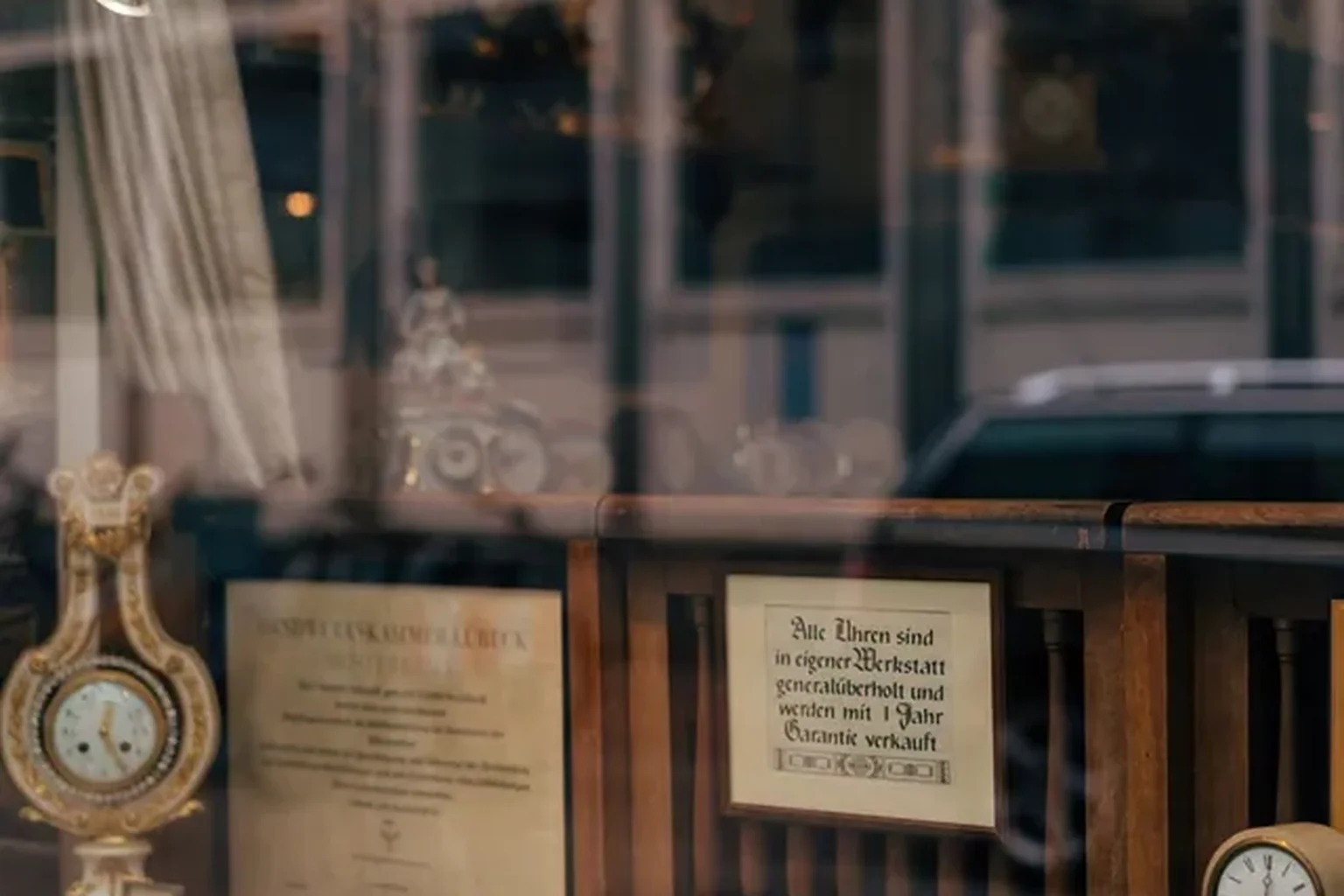
PRODUCT · ORIGINAL → HD
Make product photos crisp for online stores
Marketplaces reject small or fuzzy supplier photos, and shoppers leave when zoom views look blurry. You can sharpen image listings up to 4K or 8K in seconds so labels, seams, ceramic glaze and surface textures stay crystal clear when buyers zoom in.
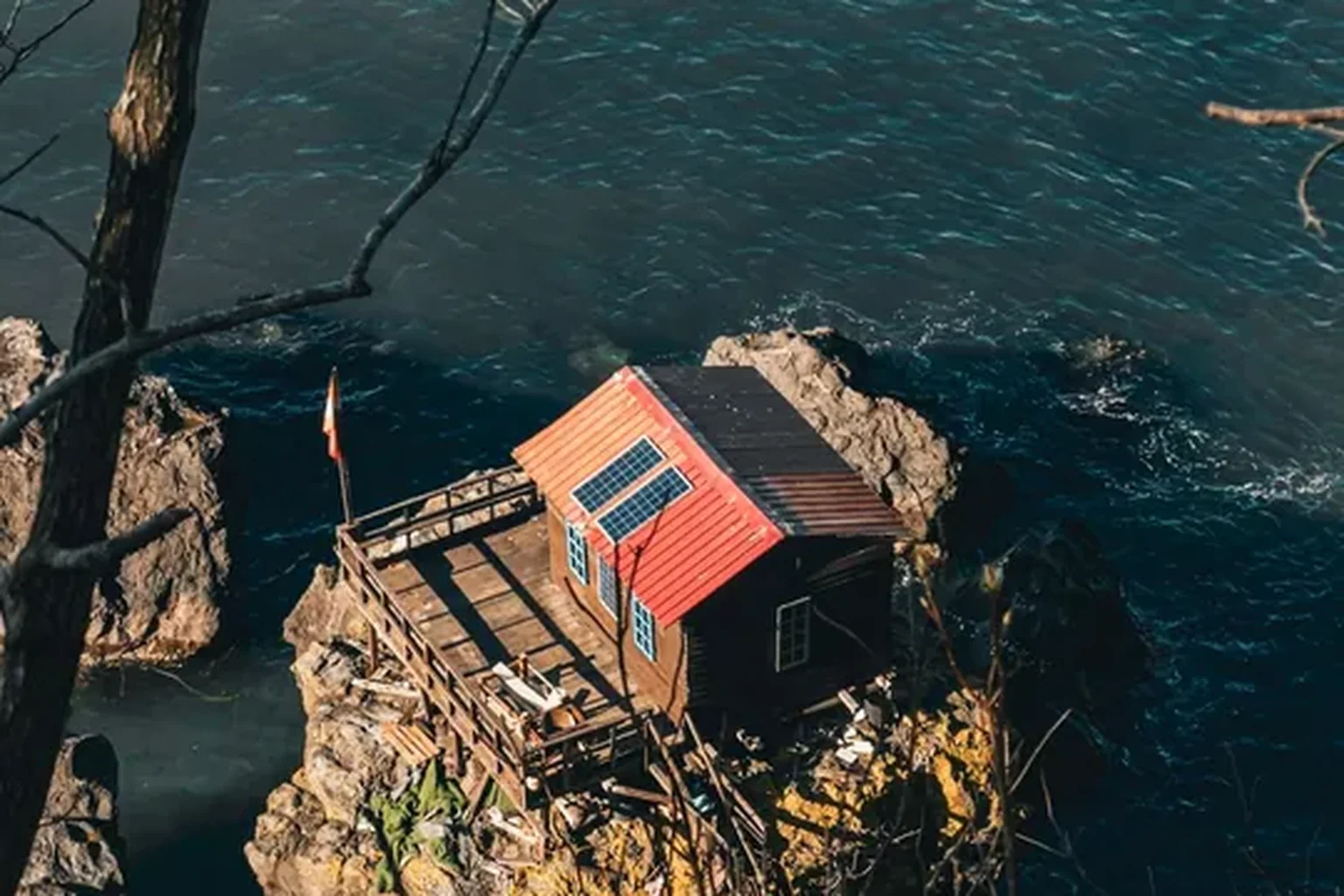
LANDSCAPE · ORIGINAL → HD
Clarify travel, real estate and landscape shots
Dusk scenes, timber grain and distant coastlines often turn muddy when saved from a phone or web gallery. Enlarge and sharpen your photo up to 4K, 8K or 16K so wood siding, glass reflections and rocky shores hold their edge on wide monitors and wall prints.
ILLUSTRATION · ORIGINAL → HD
Clean up illustrations, scans and line art
Scanned drawings, posters and small digital art get fuzzy lines and smudged ink when you zoom in. Here you can sharpen image artwork while enlarging up to 16K so ink contours stay crisp, paper grain looks clean, and colours stay bold for posters or desktop wallpapers.
How to sharpen image files online in five steps
Works in your browser in under a minute, with nothing to install.
Sharpen Image Online: Make Blurry Photos Clear and Crisp
Soft, out-of-focus or small photo? Sharpen image details while enlarging from 2x to 16x up to 16K in seconds. Works with JPG, PNG, WebP and HEIC, with 10 free credits every month.