Unblur Image Online: Make Blurry Photos Clear and Sharp
Out-of-focus, shaky or small photo? Unblur image details while enlarging from 2x to 16x up to 16K in seconds. Works with JPG, PNG, WebP and HEIC, with 10 free credits every month.
2K to 16K outputUp to 10 photos at once10 free credits monthly
Add up to 10 imagesDrop multiple images here or click to browse (max 10 images)PNGJPGWEBPHEICMax 50MB
10 free credits
Free account: 10 images every 30 days · sign in required · no watermark · 2K–16K
When you need to unblur image files
A favorite photo often turns out soft because the camera moved slightly, the focus missed, or a chat app shrank the file. Here are the three ways people use this page every day.
Unblur photo snapshots from chat and phones
Pictures sent over messaging apps or taken in dim indoor light lose fine detail around eyes, hair and signs. You can unblur photo uploads and unblur image edges while enlarging to 2K or 4K so faces and text look clean again.
Remove blur from image files for print and shops
Stretching a small picture in a basic editor only makes it look fuzzier. When you remove blur from image uploads here, you enlarge them 2x, 4x, 8x or 16x so store listings, banners and framed prints hold crisp detail.
Fix blurry photo details with natural skin and edges
Harsh sharpening sliders leave ugly white outlines and gritty noise across faces. When you fix blurry photo files on this page, skin tones stay smooth, backgrounds stay clean, and soft contours come out clear and balanced.
Output sizes
2K · 4K · 8K · 16K
Formats
JPG, PNG, WebP, HEIC
Max file size
50MB per photo
Price
1 credit per photo
See how we unblur image details on real photos
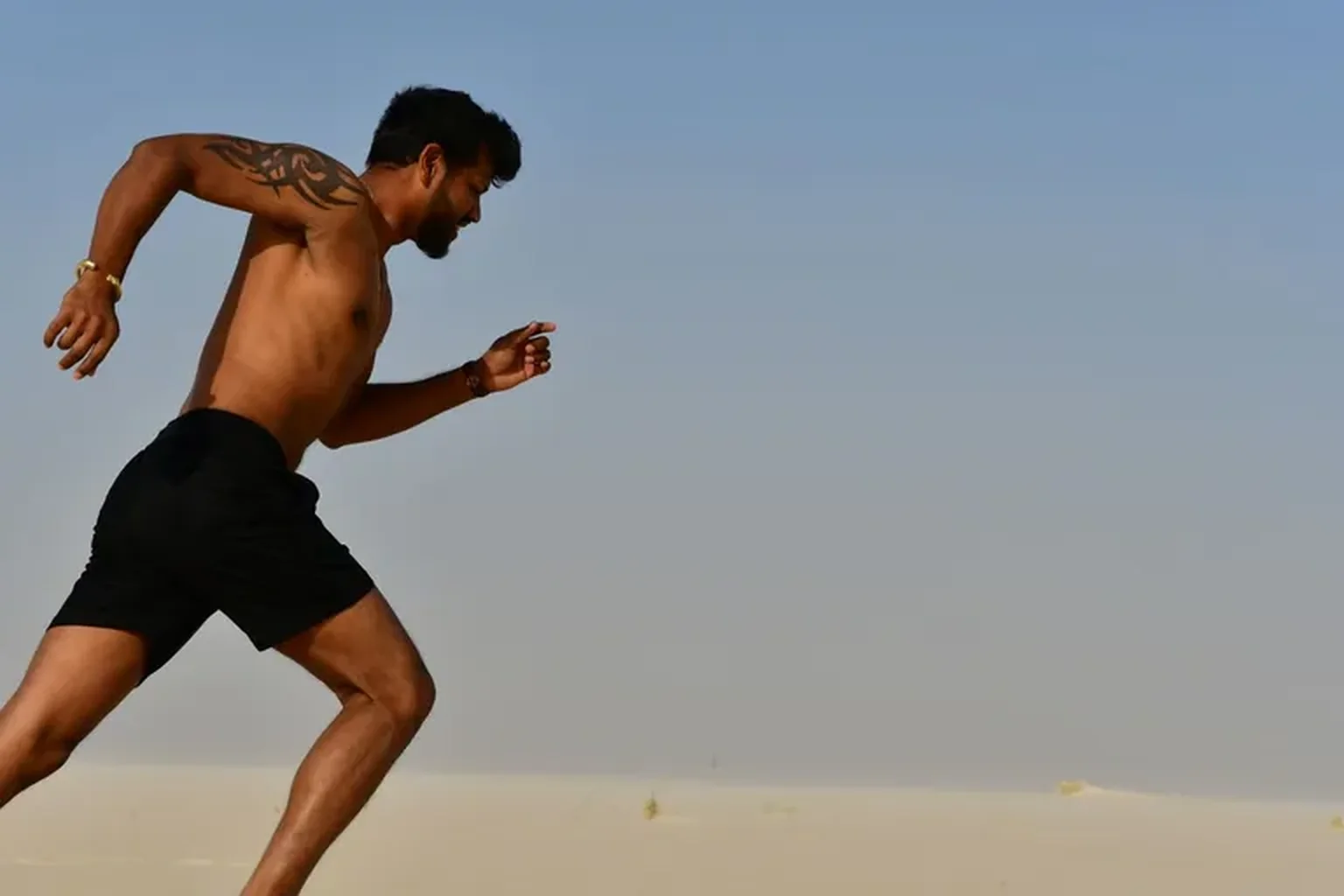
PORTRAIT · ORIGINAL → HD
Unblur a shaky or out-of-focus portrait
Action shots, candid outdoor portraits and cropped headshots often look soft when the subject moves or the camera misses focus. Upload your file to unblur image facial features and clothing while scaling up to 2K or 4K so eyes, hair and skin look crisp for profiles, portfolios or prints.
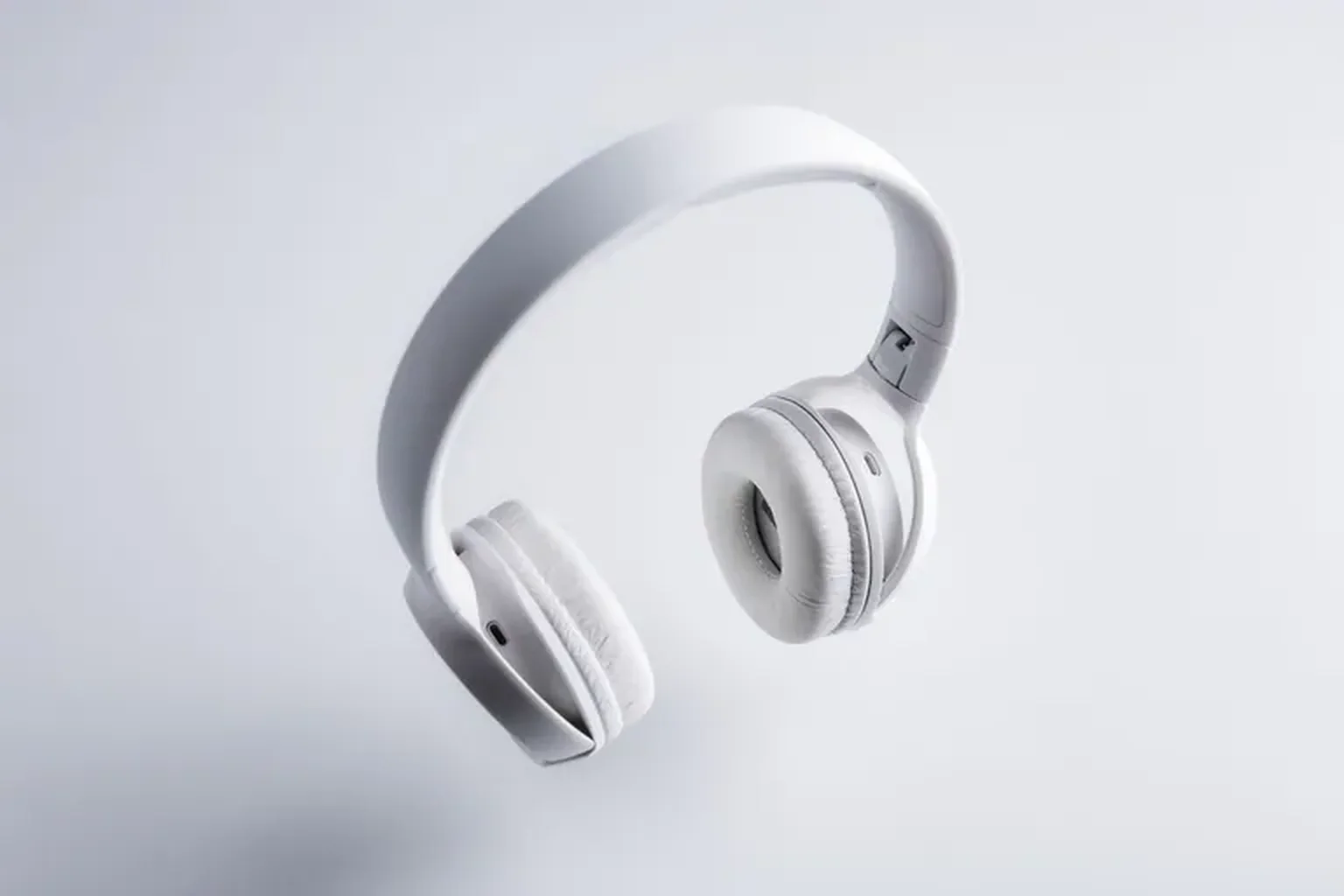
PRODUCT · ORIGINAL → HD
Clear up blurry product photos for online catalogs
Shoppers bounce when product zoom views look fuzzy, and marketplaces reject tiny supplier snapshots. You can unblur image listings up to 4K or 8K in seconds so ear cushion stitching, matte curves, labels and surface finishes stay crystal clear when buyers inspect every angle.
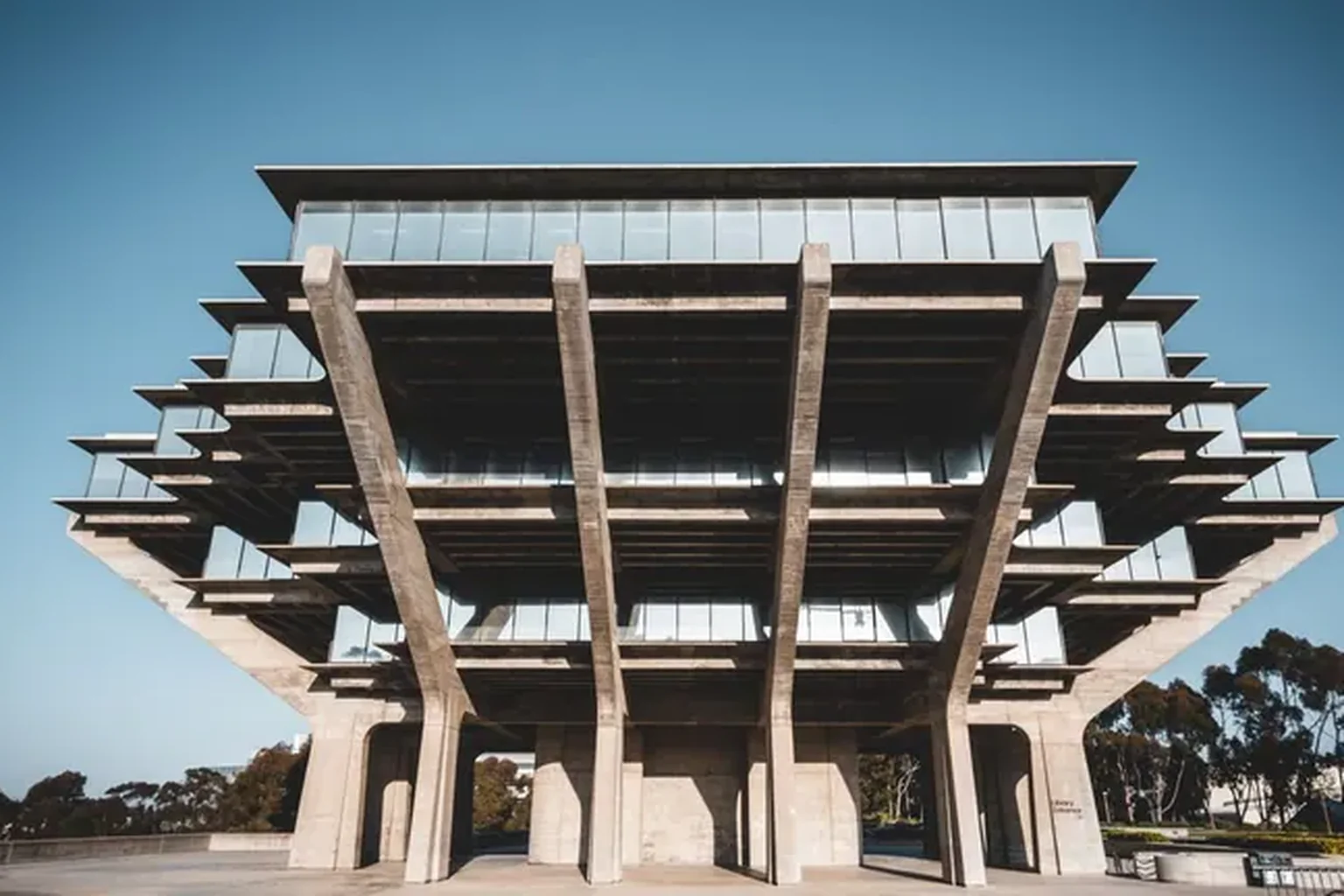
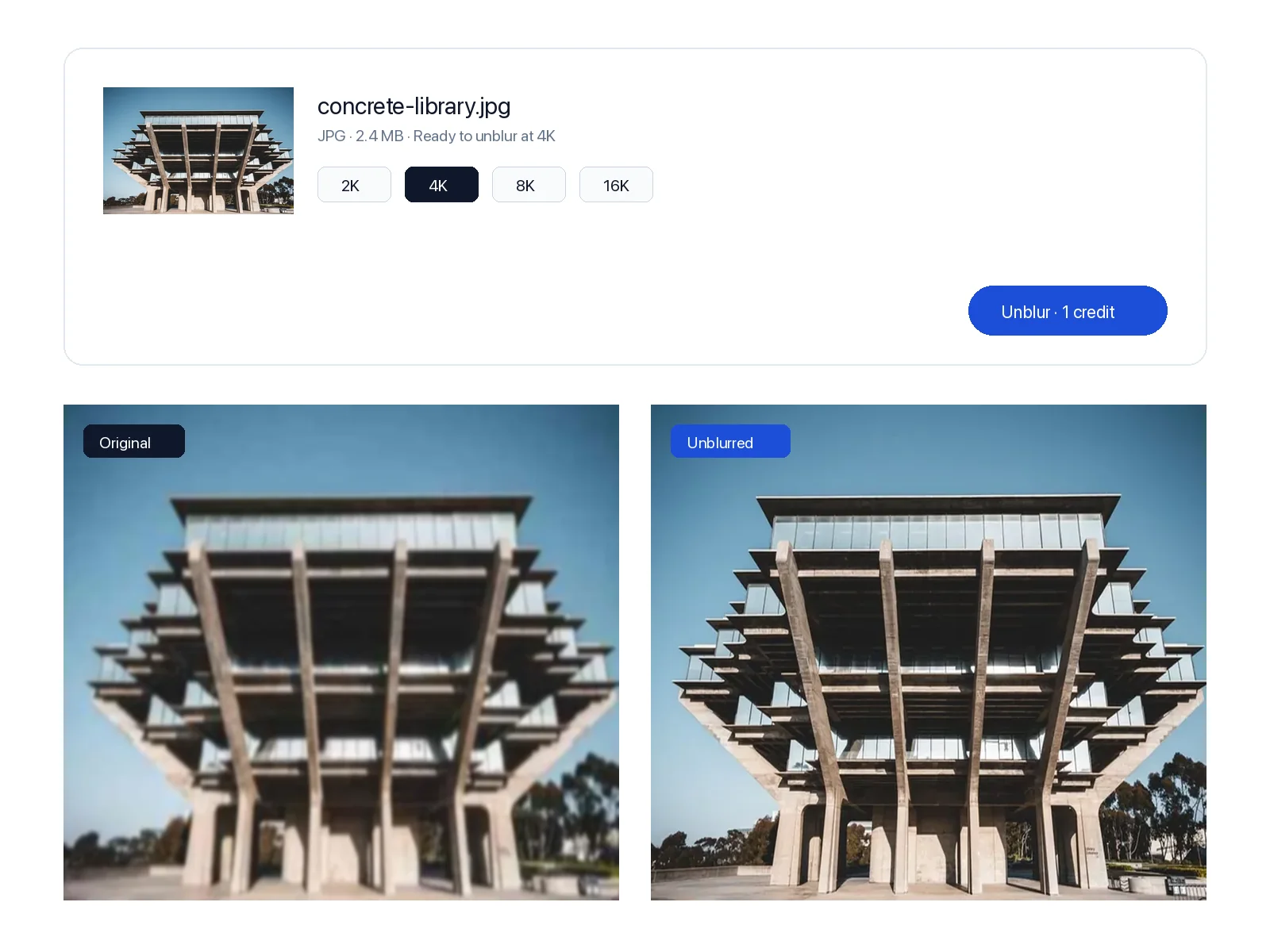
ARCHITECTURE · ORIGINAL → HD
Restore clarity to travel, building and property shots
Handheld travel pictures and older property photos often lose definition along concrete columns, window frames and distant rooflines. Enlarge and unblur image files up to 4K, 8K or 16K so geometric lines, glass reflections and stone textures hold their edge on wide monitors and printed brochures.
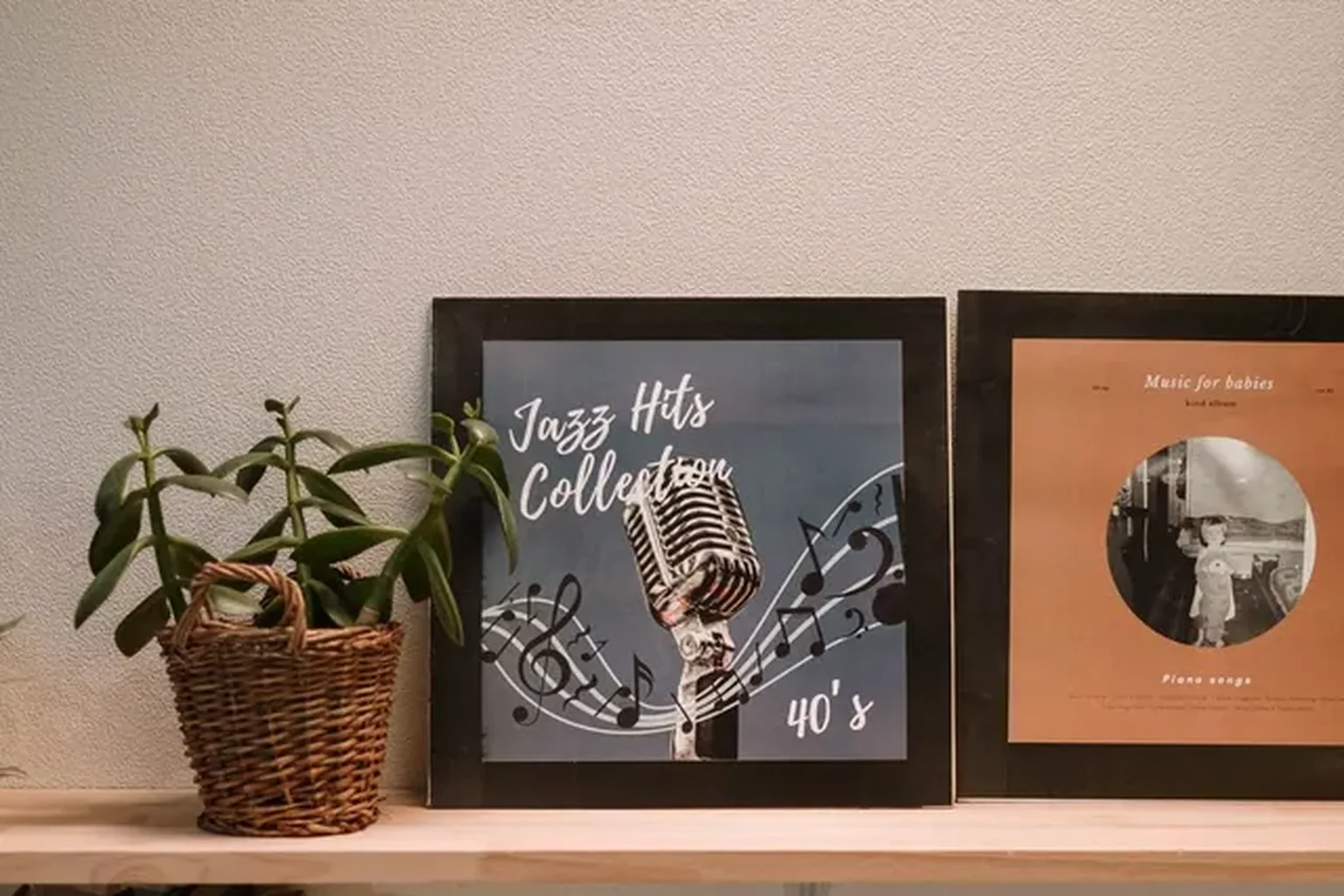
ILLUSTRATION · ORIGINAL → HD
Clean up blurry album art, scans and posters
Scanned record sleeves, vintage posters and small web illustrations turn smudged and hard to read when you zoom in. Here you can unblur image artwork while enlarging up to 16K so script lettering, ink lines and paper grain look clean for large prints, slides or desktop wallpapers.
How to unblur image files online in five steps
Runs directly in your browser in under a minute, with nothing to download or install.
Unblur Image Online: Make Blurry Photos Clear and Sharp
Out-of-focus, shaky or small photo? Unblur image details while enlarging from 2x to 16x up to 16K in seconds. Works with JPG, PNG, WebP and HEIC, with 10 free credits every month.