
Video Editor Online Free: Trim, Rotate, Speed & Mute
Make everyday fixes without opening a heavy desktop suite. Trim dead air, rotate sideways footage, change speed from 0.5× to 2× or mute sound right in your browser.
Free, no sign-up. Your files stay on your device and never leave your browser.
Three quick fixes solved in seconds by this online video editor
Most clips do not need a complex multi-track timeline or a paid desktop subscription. You just want to cut five awkward seconds off the start, fix a clip filmed upside down, speed up a walkthrough or silence room chatter. Drop your recording into this video editor and export a clean result without waiting on uploads.
Trim exact start and end times with clean precision
Type exact start and end seconds to remove camera fumbling, silent intros or trailing screen pauses. Watch the preview right in the card before exporting. Perfect for tightening screen demos, social clips and spoken updates.
Rotate sideways videos 90°, 180° or 270° with live preview
Phone gyroscopes often lock the wrong orientation. Tap 90°, 180° or 270° inside this editing panel to preview the upright frame immediately and save it right-side up. Works cleanly for both vertical and horizontal clips.
Speed up demos, slow down highlights or mute background noise
Pick 0.5× or 0.75× for slow-motion playback, 1.25×, 1.5× or 2× to pace up tutorials, and toggle Muted to remove unwanted mic hum or street sound in one click. Great for cooking clips, travel reels and crisp silent product previews.
- Trim & rotate
- Set start and end times to 0.1 second steps and rotate clips 0°, 90°, 180° or 270° with live preview
- Speed & sound
- Adjust playback speed across 0.5×, 0.75×, 1×, 1.25×, 1.5× and 2×, plus one-click Keep audio or Muted
- Supported inputs
- Open MP4, WebM, MOV, MKV and M4V files up to 200 MB directly in Chrome, Edge or Safari
- Cost & privacy
- Free video editor with no sign-up, no credits, no watermark and zero server uploads
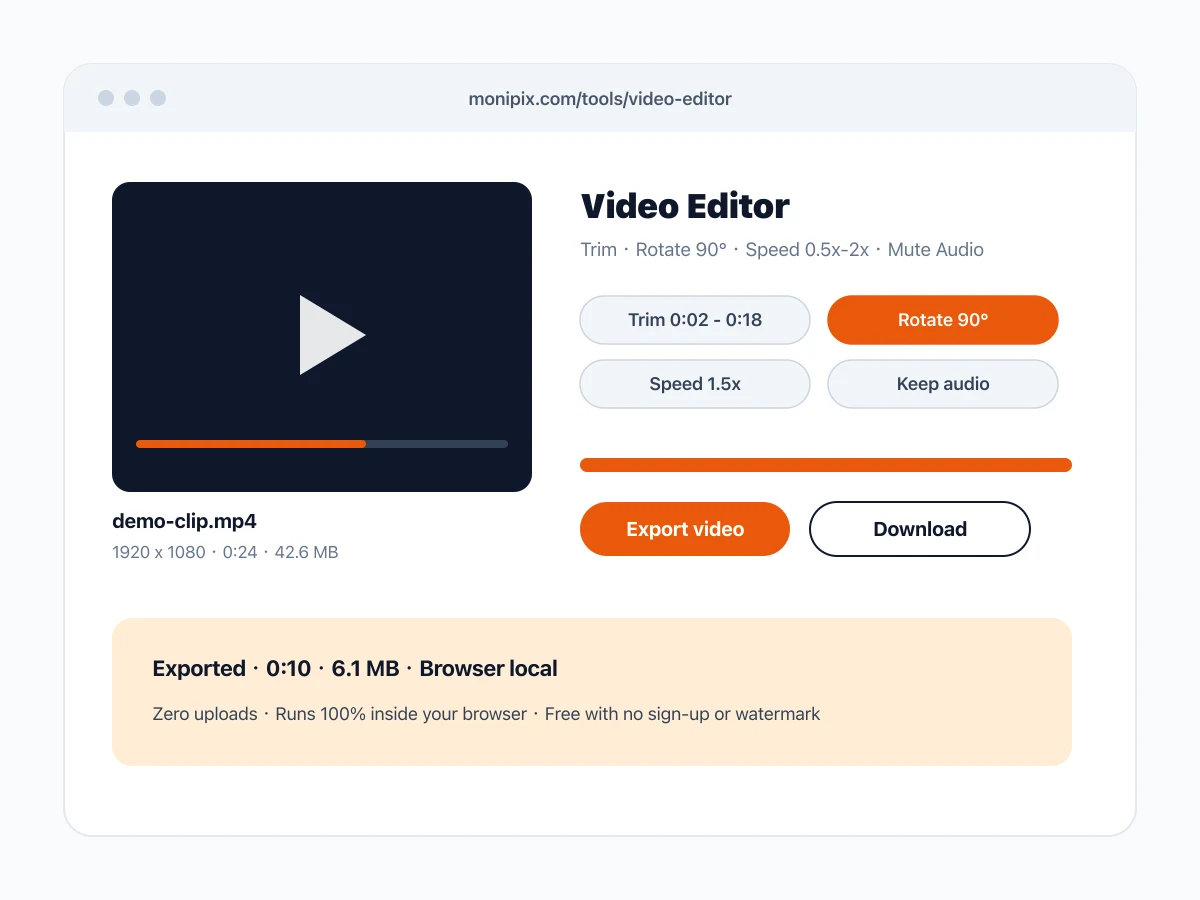
How to trim, rotate and export with our browser video editor
Six quick steps to clean up any clip without installing software or creating an account. Run the video editor directly inside this tab.
More free browser tools for your videos
One plan for upscaling and AI generation
Every plan upscales to 8K & 16K. Paid plans add far more credits and every image and video model.
Starter
- Every image & video model, full video renders
- Use credits anytime — no monthly cap
- Email support
Professional
- Every image & video model, full video renders
- Use credits anytime — no monthly cap
- Priority support
Premium
- Every image & video model, full video renders
- Use credits anytime — no monthly cap
- Priority support
Video editor online: common questions
Video Editor Online Free: Trim, Rotate, Speed & Mute
Make everyday fixes without opening a heavy desktop suite. Trim dead air, rotate sideways footage, change speed from 0.5× to 2× or mute sound right in your browser.